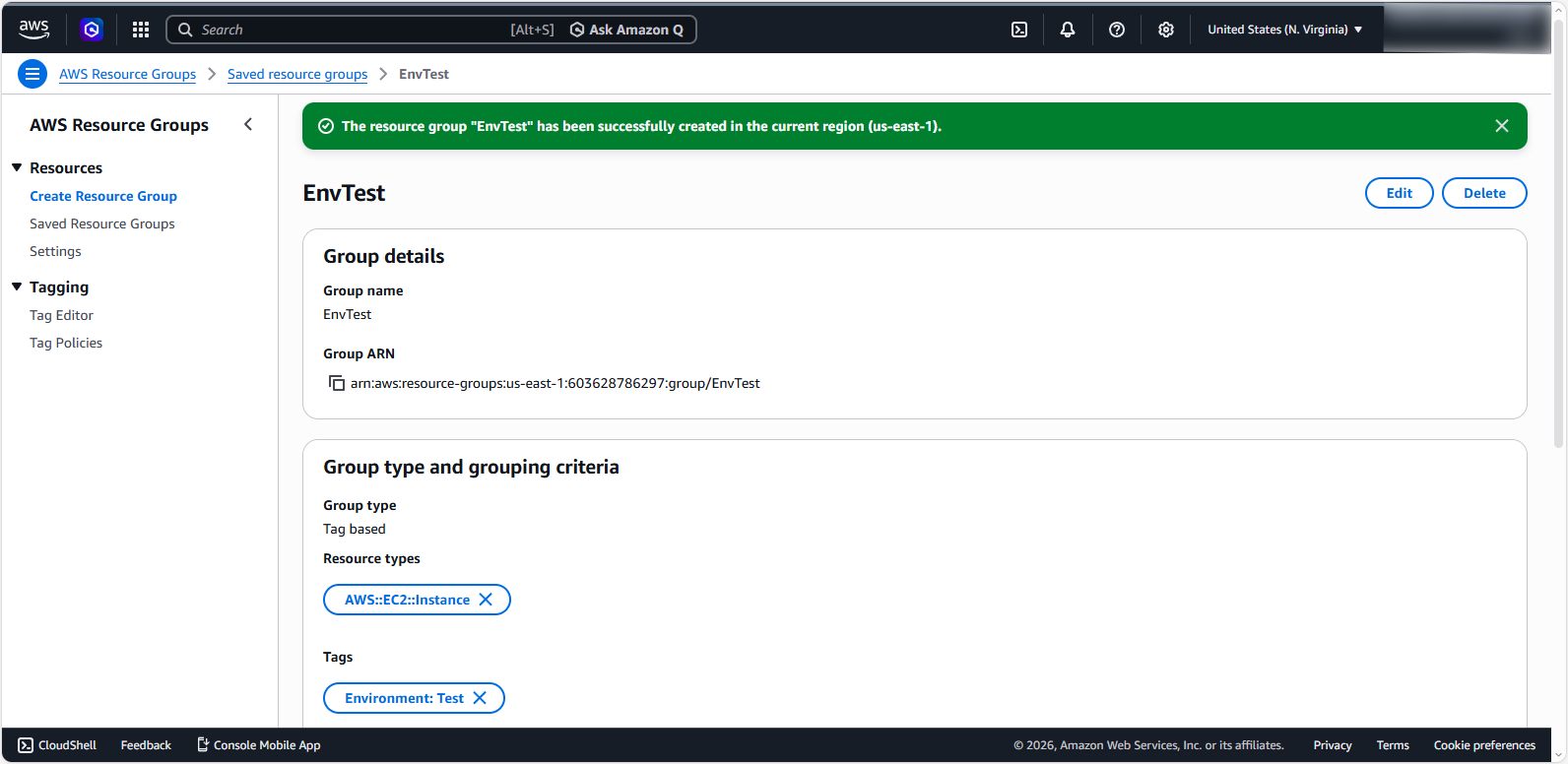
Create a Resource Group
Create a Resource Group
In this step, we will create a Resource Group categorized by tag.
In the search bar, find and enter
Resource Groups & Tag Editor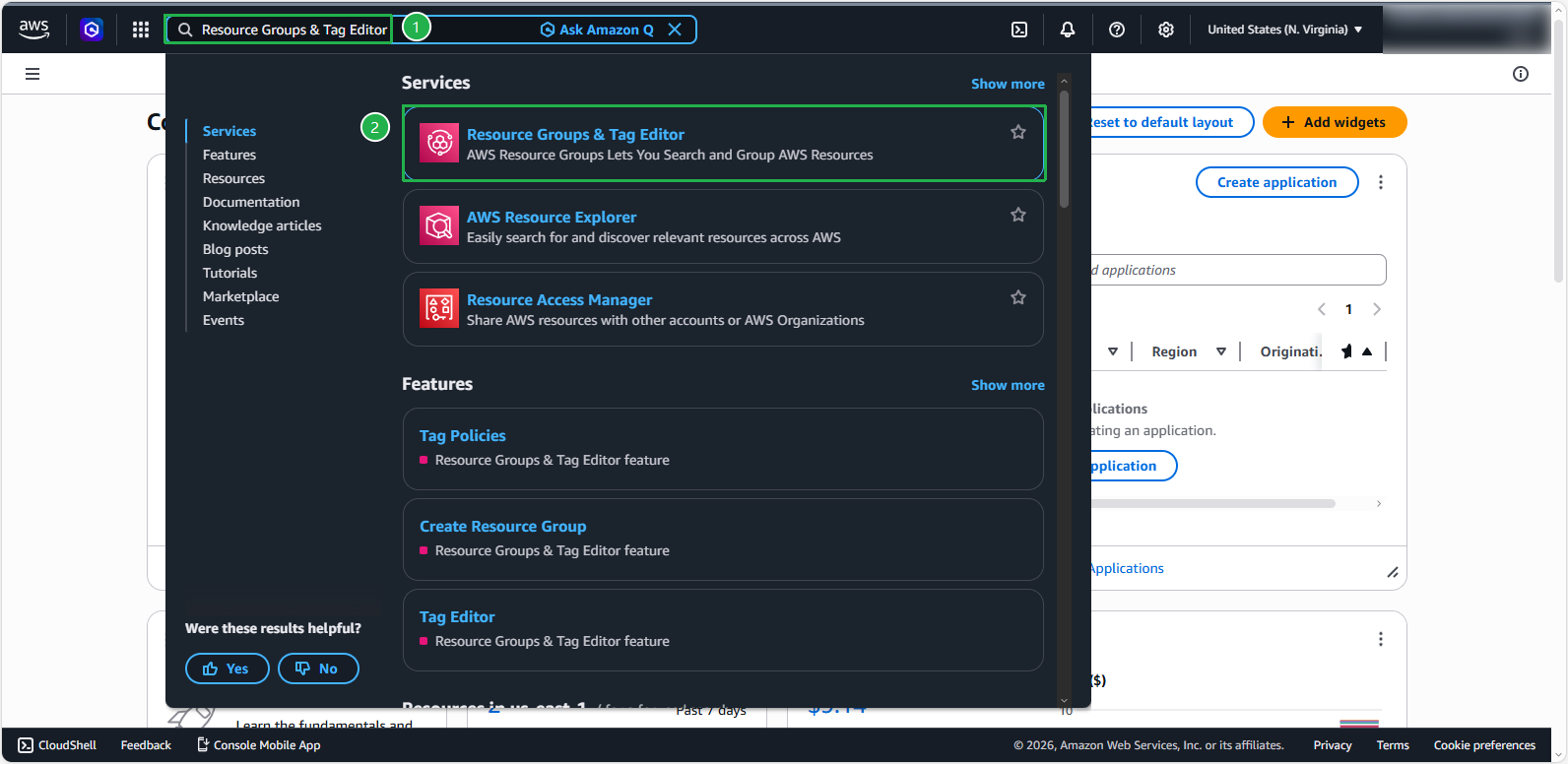
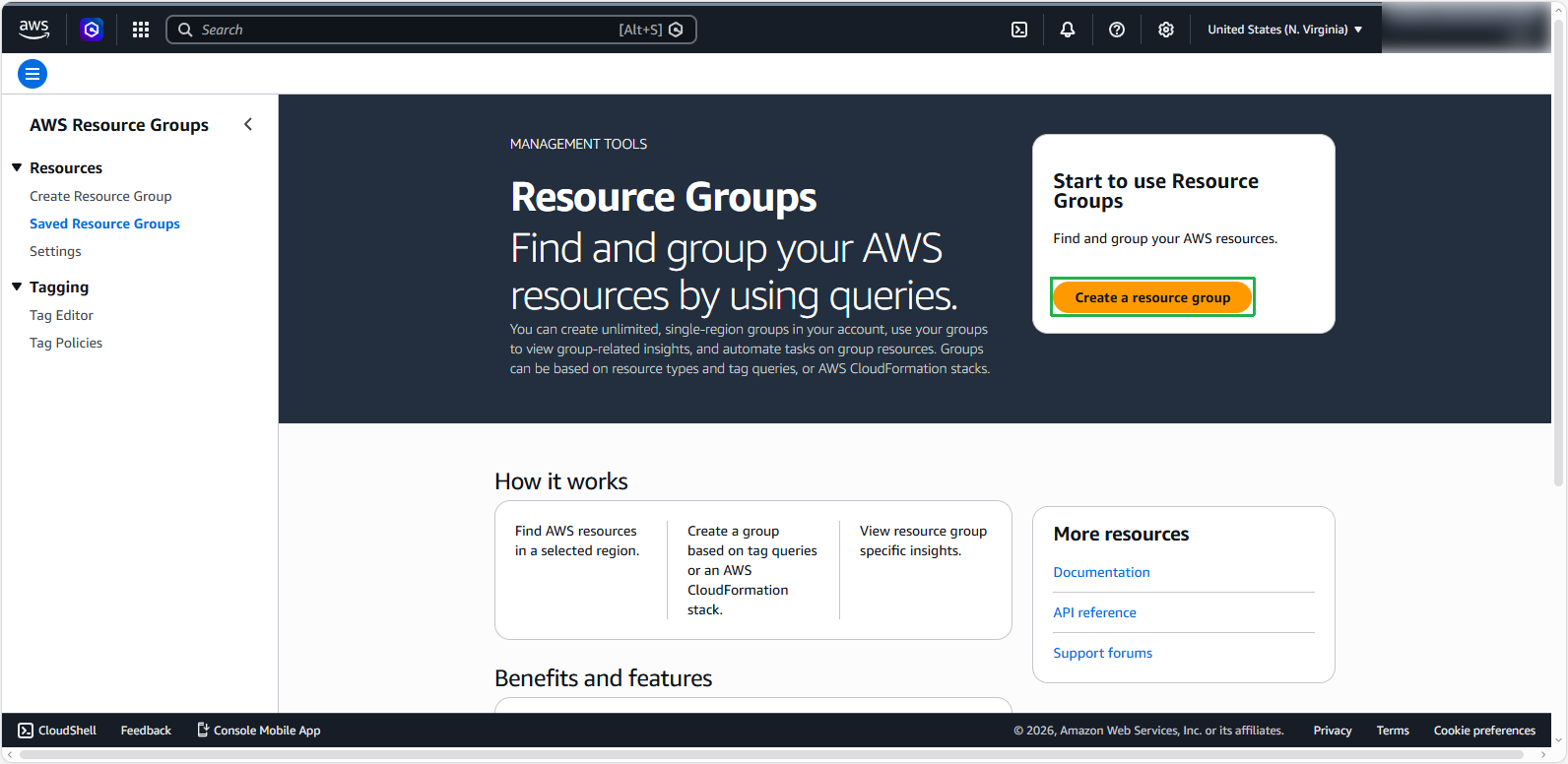
Click on Create Resource Group
Under Group type, select Tag-based.
Under Grouping criteria, select Resource types is
AWS::EC2::Instance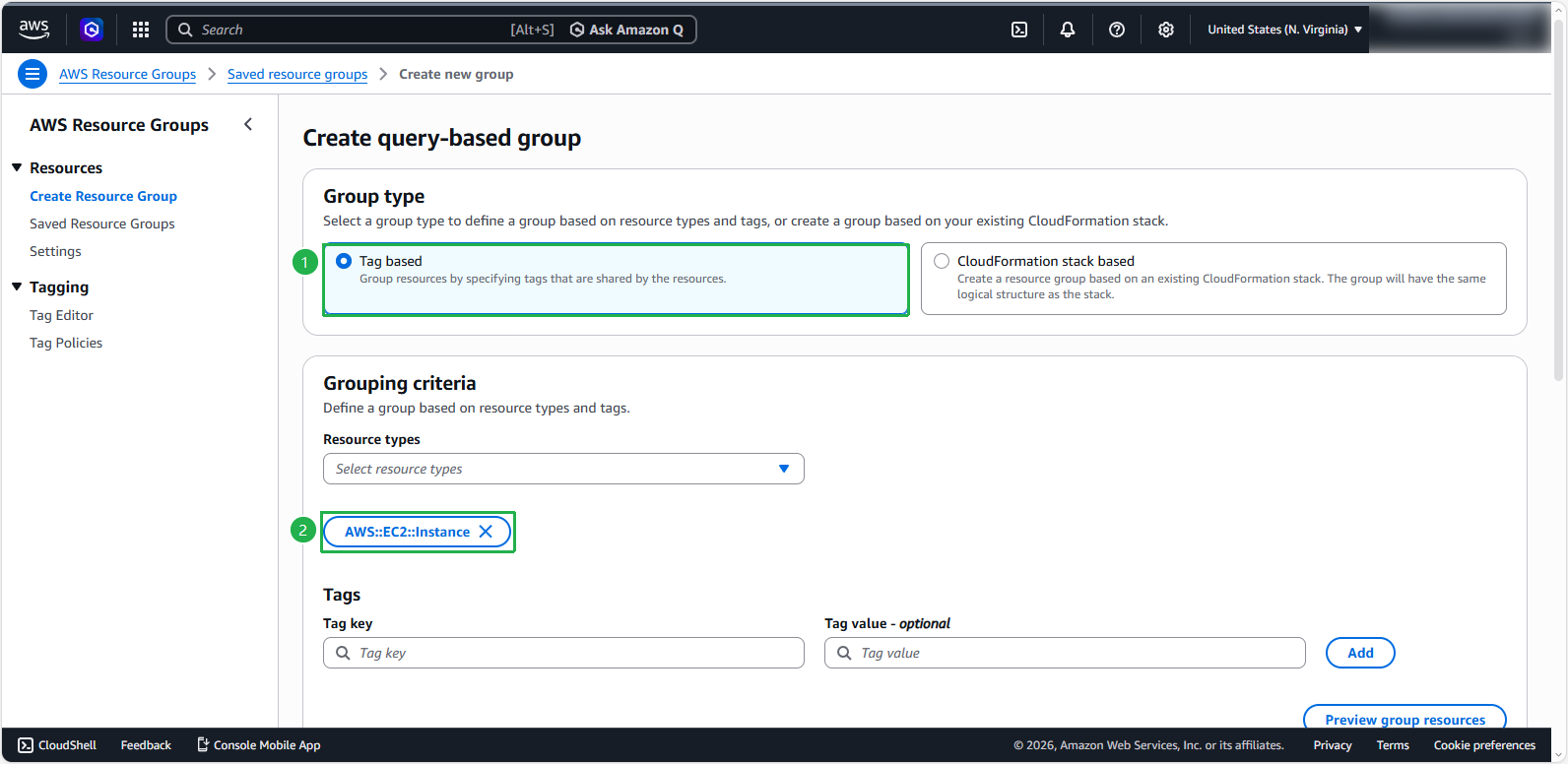
Under Tags, enter “Key=
Environment, Value=Test” and then press Add to add the tag.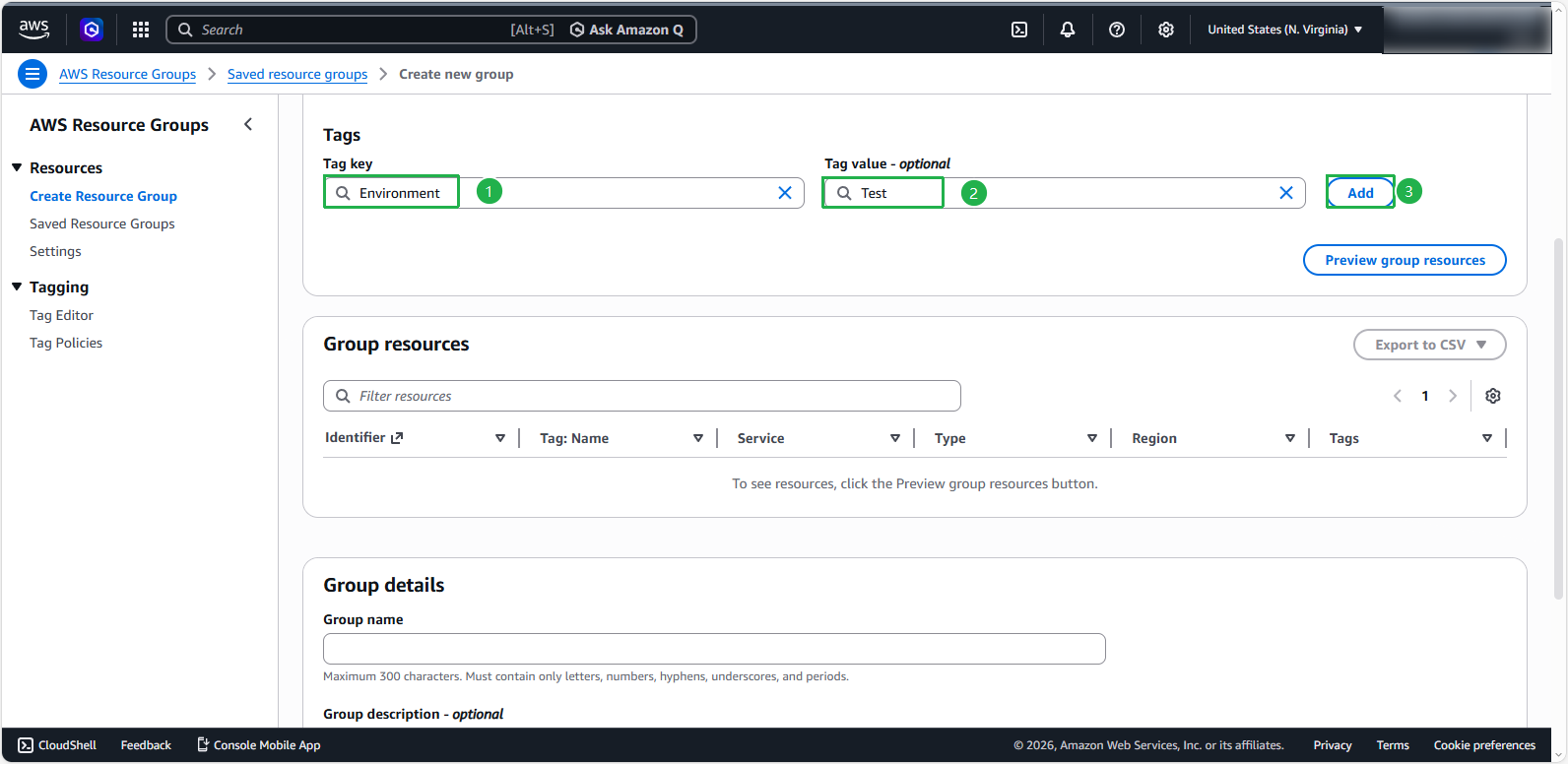
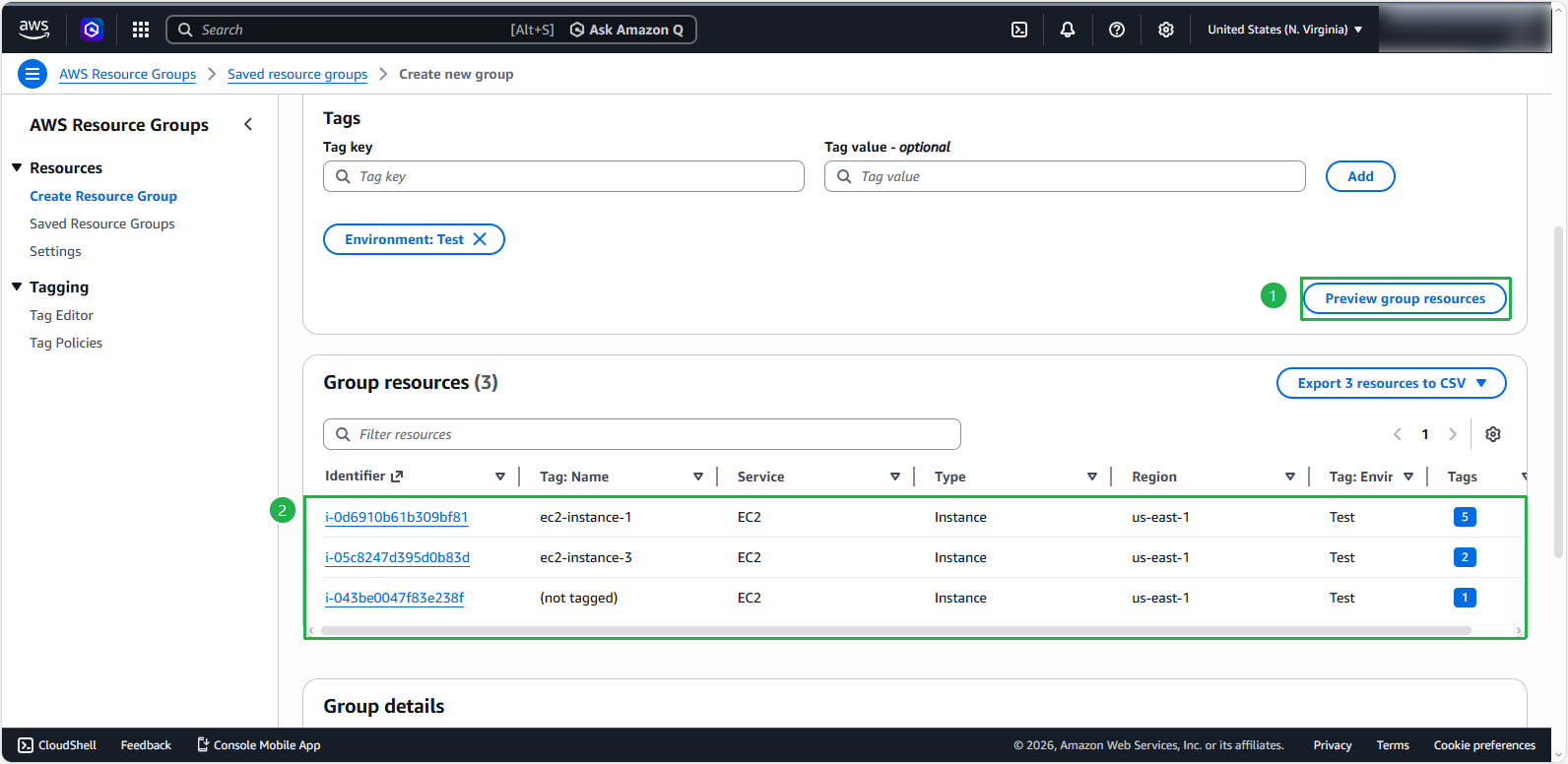
Click the Preview group resources button to have the system perform a scan and display the results under the Group resources section.
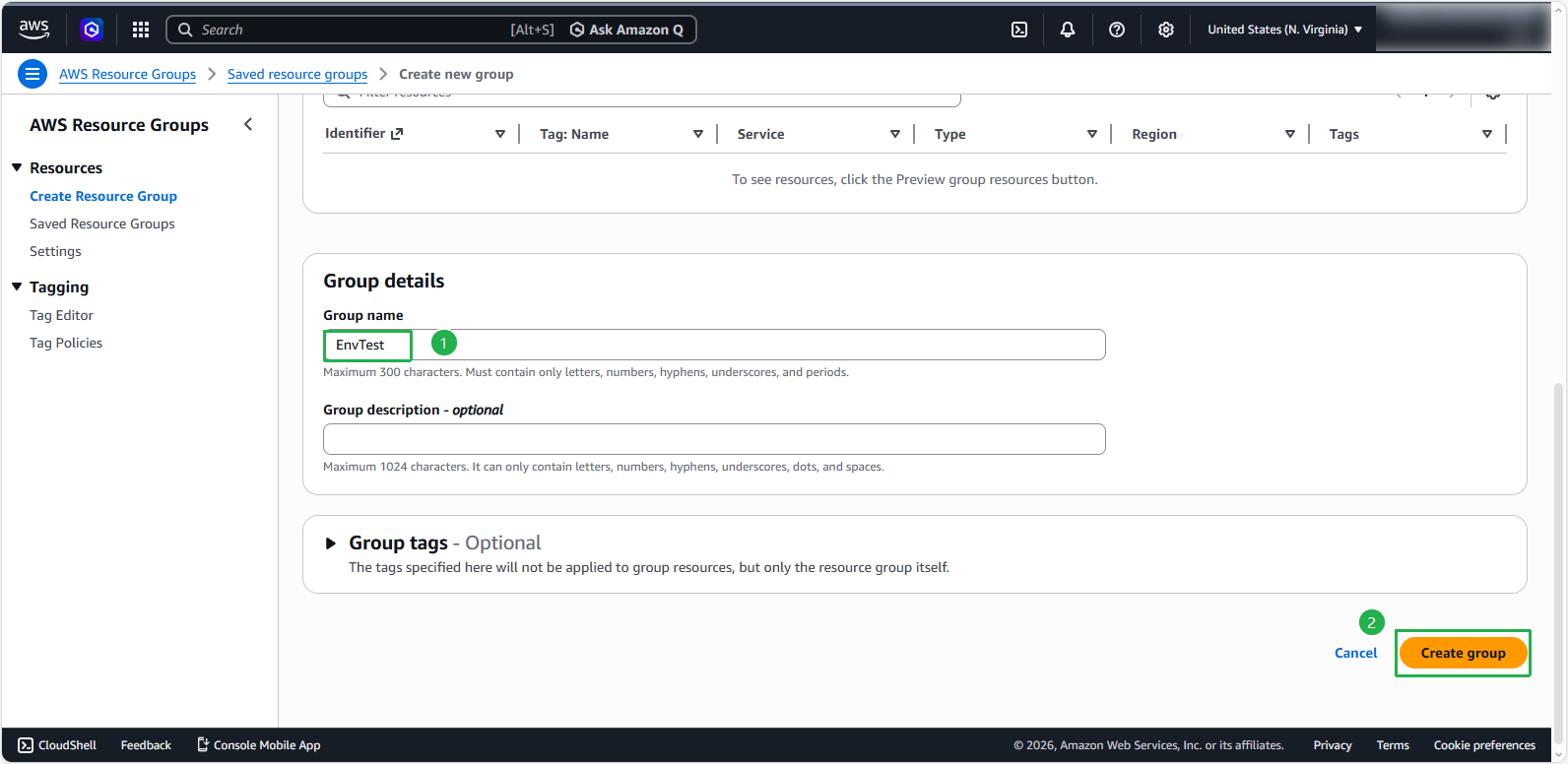
In the Group details section, enter the following parameters:
- Group name:
EnvTest - Verify the above and click Create group.
- Click Saved Resource Groups
- Group name:
The Resource Group we have just created successfully